Sample website: Restaurant: Rosa's Trattoria
Fresh pasta made each morning, a wood fired oven, and a table for you. Open Tuesday to Sunday from 5.
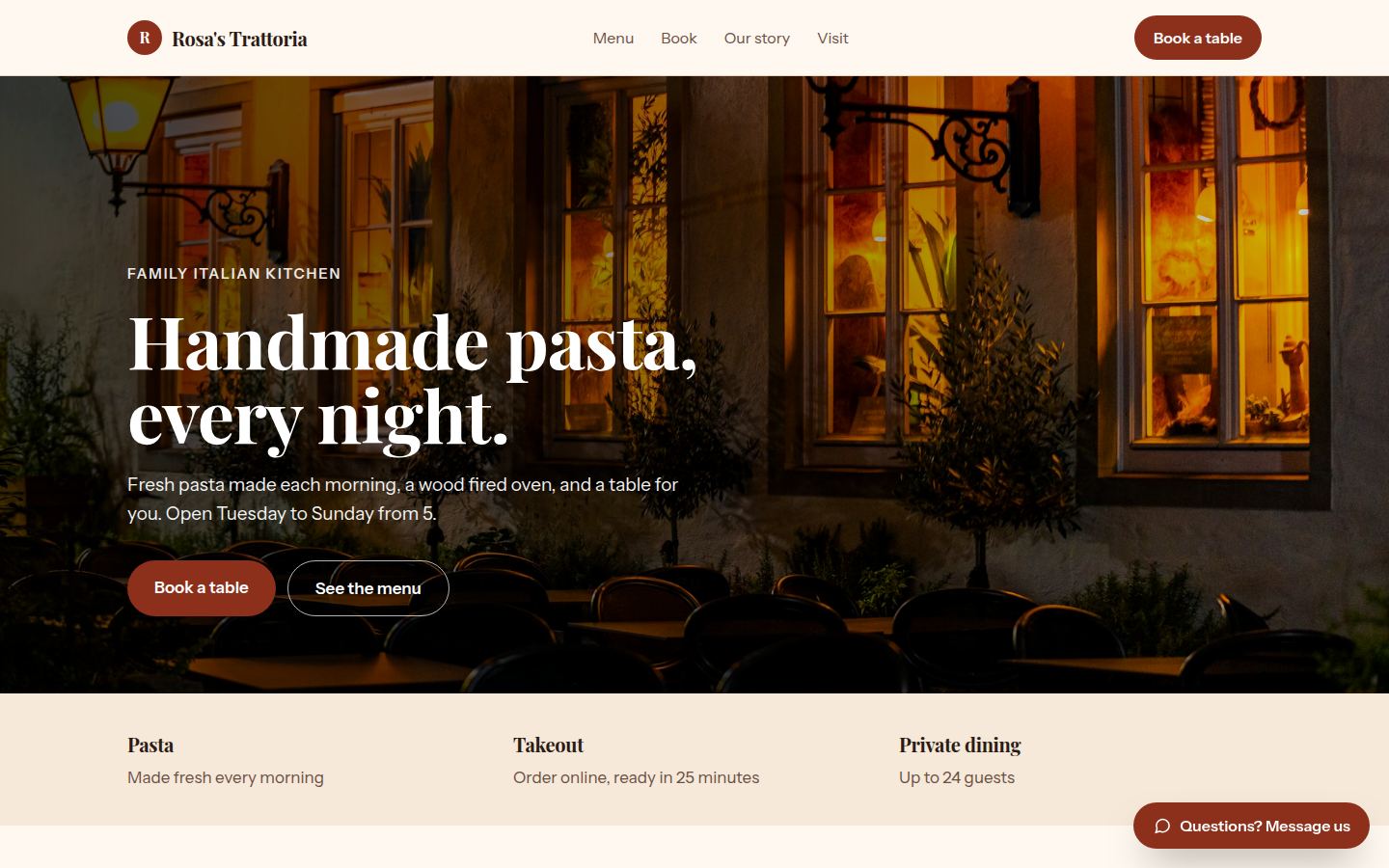
Sample work by Oiko. Every business shown is made up.
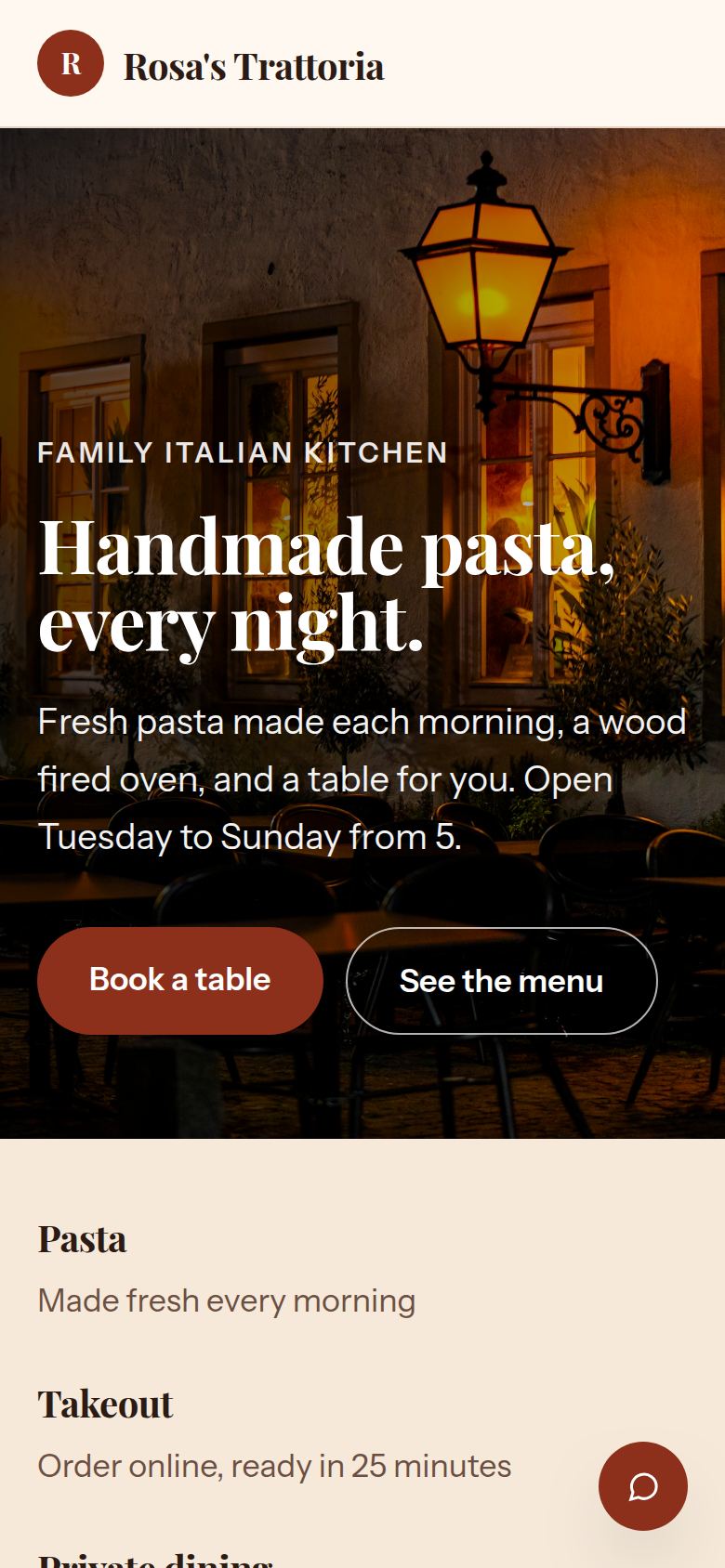
The same sample on a phone.
How we would build it
This is a sample for a made-up business. There is no client and no result to report: this is how we would plan and build it for a real one.
The problem
A family restaurant is busiest when nobody can answer the phone. The cook is at the stove, the server is carrying plates, and a table for 4 on Friday goes to the place that picked up. The menu online is an old photo of a printed page, and takeout orders are written on the back of a receipt.
What we built
For our sample restaurant, Rosa's Trattoria, we would build a one page website with the menu as real text, a table booking box, a takeout order form and a message button. Every booking and order lands in one place the owner can read at a glance.
Problem and answer
The phone rings all evening and half the calls are the same question.
The hours, the menu and the address sit at the top of the page. Guests who only want to know if you are open do not need to ring.
Tables get double booked, or a note on paper gets lost.
The booking box shows only the nights and times that are still open. When a table is taken, it disappears from the list.
Guests forget, and an empty table at 7:30 cannot be sold again.
Each guest gets a text to confirm, and a reminder on the day. A guest who cannot come can say so, and the table goes back on the list.
A group of 8 books a table and then does not turn up.
Tables under 6 need nothing. Larger groups hold their table with a card, and the owner decides what that rule is.
Guests ask the same thing every day, such as whether there is gluten free pasta.
A message button on the page lets guests ask. Common answers are written once, and the owner sees every message in one list.
How it works
- 01A guest picks how many are coming, the night and the time on their phone.
- 02The booking appears in the owner's calendar, and the guest gets a text to confirm.
- 03On the day, a reminder goes out. A cancelled table opens up again.
- 04Takeout orders arrive with a pickup time, and the owner prints or reads them in the kitchen.
- 05The owner changes the menu, hours and special nights by sending us a message, or by editing a simple form.
Works with
- Google Calendar, so the bookings sit next to the rest of the owner's week
- Google Business Profile, so the hours and the menu link match what shows on Google
- Square or Stripe, so card holds for large groups and takeout payments go to the owner's own account
- A text message service, for the confirm and reminder texts
- Mailchimp, if the owner wants a short note to regulars about a special night
The plan we would follow
- Week 1We sit down with the owner and the head chef, learn how a Friday night works, and agree what the site must do.
- Weeks 2 and 3We write the menu and story in plain words, choose the photos, and build the page and the booking box.
- Week 4The staff try it with test bookings, and we fix what gets in their way.
- Week 5We connect the calendar, payments and texts, and check the page on a cheap phone.
- Week 6Launch, with a short walk through for the people who open and close the restaurant.
What the owner keeps
- The domain name, in the owner's name
- The website files and every photo
- The calendar, the card payment account and the text message account
- The guest list, if the owner chooses to keep one