Online booking: Let customers book at 9 at night.
Customers pick a service and a time on your website. They get a reminder, and you see the day in one list. No phone tag, no pen and paper.
20 minutes about your business, with the people who would do the work. No sales pitch.
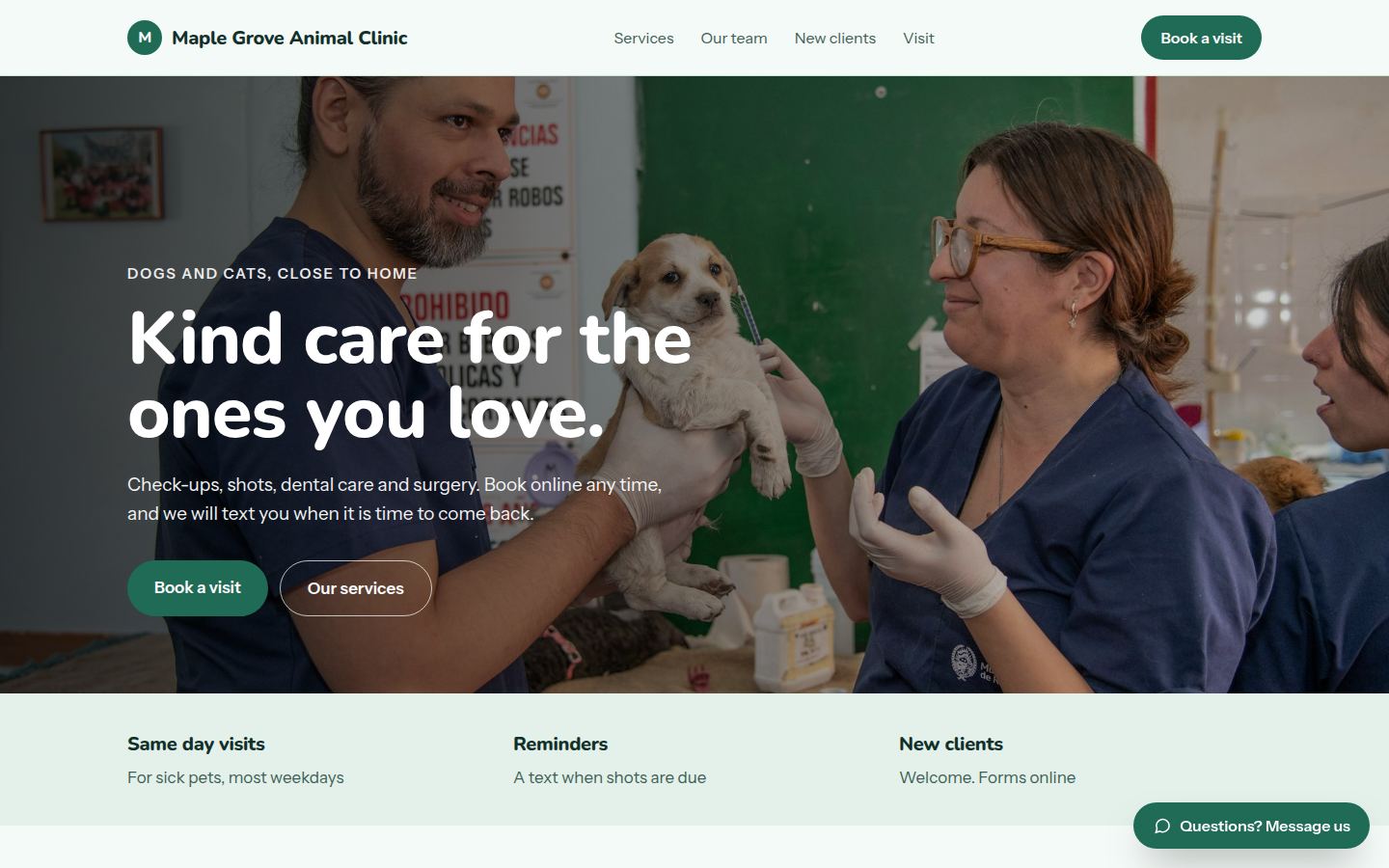
Sample work by Oiko. Every business shown is made up.
Sound familiar?
The phone rings while I am with a customer.
You miss the call, or you lose the person in front of you. Either way, somebody is left waiting.
People try to book after hours and cannot.
The person browsing at 9 at night will book whoever lets them. If the only way is to call in the morning, that may not be you.
We lose time to no shows.
A customer forgets, the slot sits empty, and you cannot fill it. A reminder before the visit helps.
Our schedule is a mix of paper, a calendar and memory.
Two people book the same time, or a note goes missing. Nobody is sure which is right.
What you get
- 01
A booking box on your website
Customers choose the service, the person and a time. Times already taken do not show up.
- 02
Set up to fit how you work
Different visit lengths, different people, early and late days, closed days. We set it up around your week.
- 03
Reminders
A text or email before the visit, so people remember, and a simple way to confirm or cancel.
- 04
One list for the day
You see the day's bookings in one place, on your phone or at the desk, and they match your calendar.
- 05
Works on a phone
The booking box is made for a thumb. No tiny buttons, and no account to create.
- 06
Yours to keep
The booking account and your customer list are in your name. If you leave, they come with you.
Who it is for
Dental practices
New or returning patient, the kind of visit and a time. A reminder by text and one reply to confirm.
Sample: Bright Oak Dental (Sample for a made-up business)Restaurants
Guests, night and time, with a text to confirm and a reminder on the day.
Sample: Rosa's Trattoria (Sample for a made-up business)Barbers and salons
Pick a service, a barber and a time on a phone. The shop sees the day in one list.
Sample: Marlow & Finch Barbers (Sample for a made-up business)Fishing charters
Choose a half day or full day trip and a date, from the boat or from the couch.
Sample: Blue Heron Charters (Sample for a made-up business)
How it works
- Step 1
We learn how you book today
A 20 minute conversation about your week: what you offer, how long each thing takes, who does what and where the gaps are.
You receive
- A written summary of how booking will work
- A list of the services and times to set up
- Step 2
We set it up
We build the booking around your calendar and your services, and connect it to the tools you already use.
You receive
- A working booking box on a private link
- Your services, lengths and hours entered
- Step 3
You test it like a customer
You make a few bookings yourself, on your phone, and tell us anything that feels wrong or confusing.
You receive
- A short list of things to try
- Changes made until it feels right
- Step 4
We add reminders and confirmation
We write the reminder and confirmation messages in your words, so they sound like you.
You receive
- Reminder and confirmation messages for your approval
- A simple way for customers to cancel or change
- Step 5
It goes live and we show you the day view
The booking box goes on your website. We walk you through the day's list and what to do when someone cancels.
You receive
- Booking live on your website
- A walk through of the daily list
- The account in your name
What you own
Your web address, accounts and files belong to you from day one. If you leave us, you keep all of it.
Questions owners ask
Can it work with my calendar?
Yes. We connect to the calendar you already use, so a booking shows up where you already look.
Do customers need to make an account?
No. They pick a time, give a name and a way to reach them, and they are done.
Can I stop people booking at the wrong times?
Yes. You set your hours, how long each visit takes and any days off. Only open times appear.
What about customers who prefer to call?
They still can. Online booking adds a way in. It does not close the phone.
Can customers pay or put down a deposit when they book?
Yes, if you want that. See online payments. Many businesses start with booking alone and add payment later.
I already use a booking tool. Can you work with it?
Often yes. We can put it on your website properly and tidy up how it looks. If it is the wrong fit, we say so.
Is the booking box on the samples real?
No. The sample sites are made up, and their booking boxes show how it would look. They do not send a booking anywhere.
What if my business needs something a standard tool cannot do?
Then we can build a booking tool just for you. See apps and business tools.
Related services
- Online payments and invoicesLet customers pay by card on your website, and send invoices that get paid.
- Website designA website that says what you do, loads fast on a phone and takes the booking or the inquiry.
- Apps and business toolsA small app or tool built for how your business actually works, in place of the spreadsheet.