Online payments and invoices: Get paid without chasing anyone.
Customers pay by card from their phone. Deposits hold the booking. Invoices go out the day the job is done, and a polite reminder follows the late ones. The money goes into your own account.
20 minutes about your business, with the people who would do the work. No sales pitch.
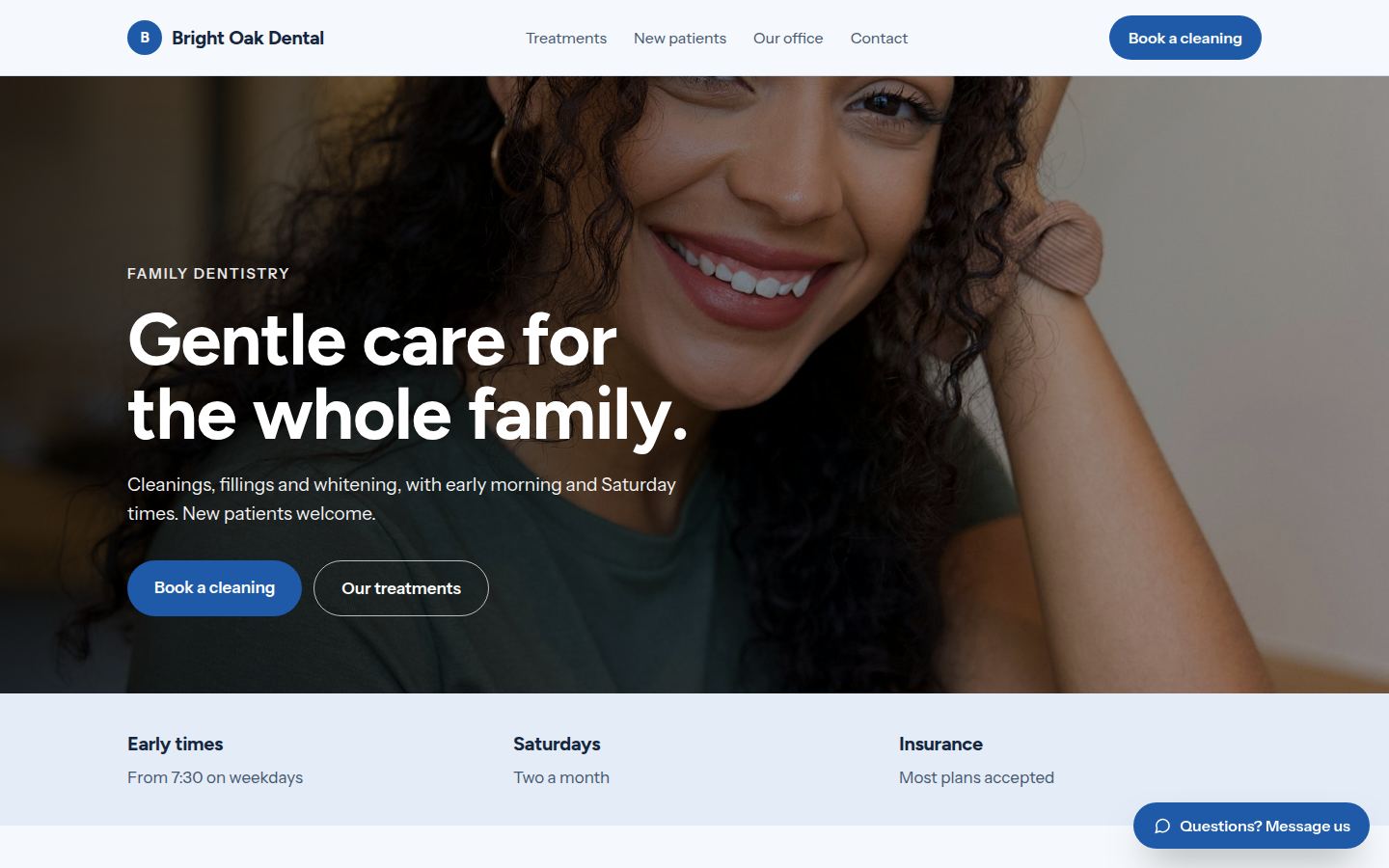
Sample work by Oiko. Every business shown is made up.
Sound familiar?
I finish the job, then the invoice sits on my desk for a week.
You are tired, it is dark, and the paperwork waits. The longer it waits, the longer you wait for the money. Sending the invoice should take one tap at the end of the job.
Chasing a late payment feels rude, so I do not do it.
Then the money you already earned sits in somebody else's account. A reminder that goes out on its own, in polite words, does the chasing so you do not have to.
People book, then do not turn up.
A table, a boat trip or a long appointment held with nothing behind it costs you the slot. A small deposit paid when they book changes how people treat the booking.
Customers ask if they can pay by card, and I send them to the bank.
Some will go to the trouble. Many will not. Paying should be as easy as the page they are already on.
What you get
- 01
Card payments on your website
A Pay button on the page where the customer already is. They pay by card on their phone or computer, and you get a receipt in your email.
- 02
Deposits when someone books
Hold a table, a trip or an appointment with a deposit taken at the moment of booking. You decide which bookings need one and which do not.
- 03
Invoices that send themselves
An invoice with the job, the amount and a Pay button, sent the day the work is done. The customer pays from the email.
- 04
Polite reminders for late ones
If an invoice is still open after the days you choose, a short, friendly reminder goes out. You can read every one before the first goes live.
- 05
Payments by stage for bigger jobs
A build, a renovation or a design project paid in stages, each stage billed when you reach it, so the money keeps pace with the work.
- 06
The money goes to your own account
The payment account is opened in your business name. Payments land in your bank. We never hold your money and we never touch your card data.
Who it is for
Dentists
Patients see what they owe and pay by card online at any hour, so the front desk is not working through a pile of balances.
Sample: Bright Oak Dental (Sample for a made-up business)Architects and designers
Invoices by project stage, paid by card or bank transfer. Each stage billed when you reach it.
Sample: Hollis & Park Architects (Sample for a made-up business)Charter and tour operators
A deposit by card holds the boat. The rest is paid on the day. Fewer empty seats from people who forgot.
Sample: Blue Heron Charters (Sample for a made-up business)Builders and joiners
Bills by stage, paid by card or bank, with a reminder if one runs late.
Sample: North Fork Joinery (Sample for a made-up business)
How it works
- Step 1
We learn how you get paid today
A 20 minute conversation about your business. Who pays, when, how, and where it goes wrong. Cash, checks, bank transfers, a card machine, a pile of invoices. We write it down in plain words.
You receive
- A one page note of how money moves in your business today
- A plain list of what is worth changing and what is fine as it is
- Step 2
We agree what customers will pay for, and when
Full payment, a deposit, a payment by stage, or an invoice. We decide it for each kind of job, using your words and your rules, and show it to you on paper first.
You receive
- A written list of what is paid, when, and how much is paid up front
- The wording of every payment and reminder message, for you to read
- Step 3
We open the payment account in your name
You sign up with a payment company such as Stripe or Square, with us beside you. The account is in your business name and pays into your bank. The company sets its own fees, and we show you where to read them before you agree to anything.
You receive
- A payment account in your name, with you as the owner
- Every login saved in a place you control
- Step 4
We build it and test it with you
We add the Pay buttons, deposits and invoices to your website or your own tools. Then we run real test payments with you, from a phone and from a computer, before any customer sees it.
You receive
- Pay buttons and invoices working on your site
- A test payment you made yourself, and a receipt to show for it
- A short guide with pictures for issuing a refund
- Step 5
We stay with you afterward
The first customers pay, and we are there if anything looks odd. If you want us to keep an eye on it, we do. If you would rather run it alone, you can. Everything is already yours.
You receive
- A named person to message if a payment fails
- Your accounts, files and logins in your name from day one
What you own
Your web address, accounts and files belong to you from day one. If you leave us, you keep all of it.
Questions owners ask
Whose account does the money go into?
Yours. We open the payment account in your business name, and payments go straight to your bank. We never hold your money.
Are my customers' card details safe?
Card details are typed into the payment company's own secure form, not into your website. That means your site never stores a card number.
Can I still take cash and checks?
Yes. Online payment is one more way to pay, not the only one. Plenty of owners keep all three.
What about refunds?
You can refund a payment from your payment account in a few taps. We show you how on a short guide with pictures, and we are there the first time you do it.
Does it work with my accounting software?
Most payment companies connect to the common bookkeeping tools. Tell us what you use today. If a connection exists, we set it up. If it does not, we say so before we start.
Do I need a new website for this?
No. Payments can be added to a site you already have, as long as it can be changed. If it cannot, we will tell you what the options are.
Who owns the setup if we stop working together?
You do. The payment account, the logins and anything we build for you are in your name from the first day. Leaving us is a password change.
Related services
- Online bookingCustomers pick a time on your website or phone, and you get the booking without a phone call.
- Website designA website that says what you do, loads fast on a phone and takes the booking or the inquiry.
- Apps and business toolsA small app or tool built for how your business actually works, in place of the spreadsheet.