Sample website: Vet clinic: Maple Grove Animal Clinic
Check-ups, shots, dental care and surgery. Book online any time, and we will text you when it is time to come back.
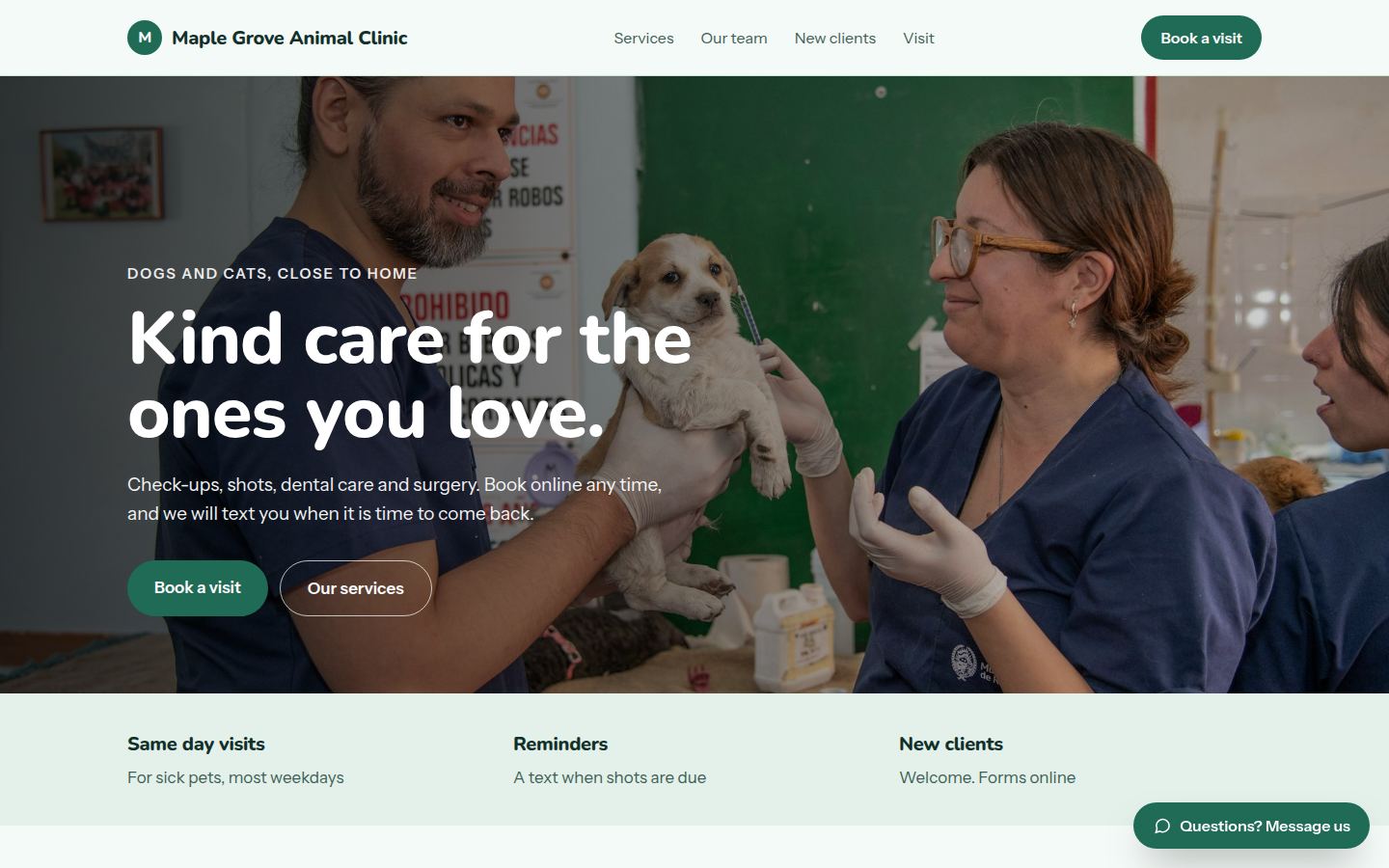
Sample work by Oiko. Every business shown is made up.
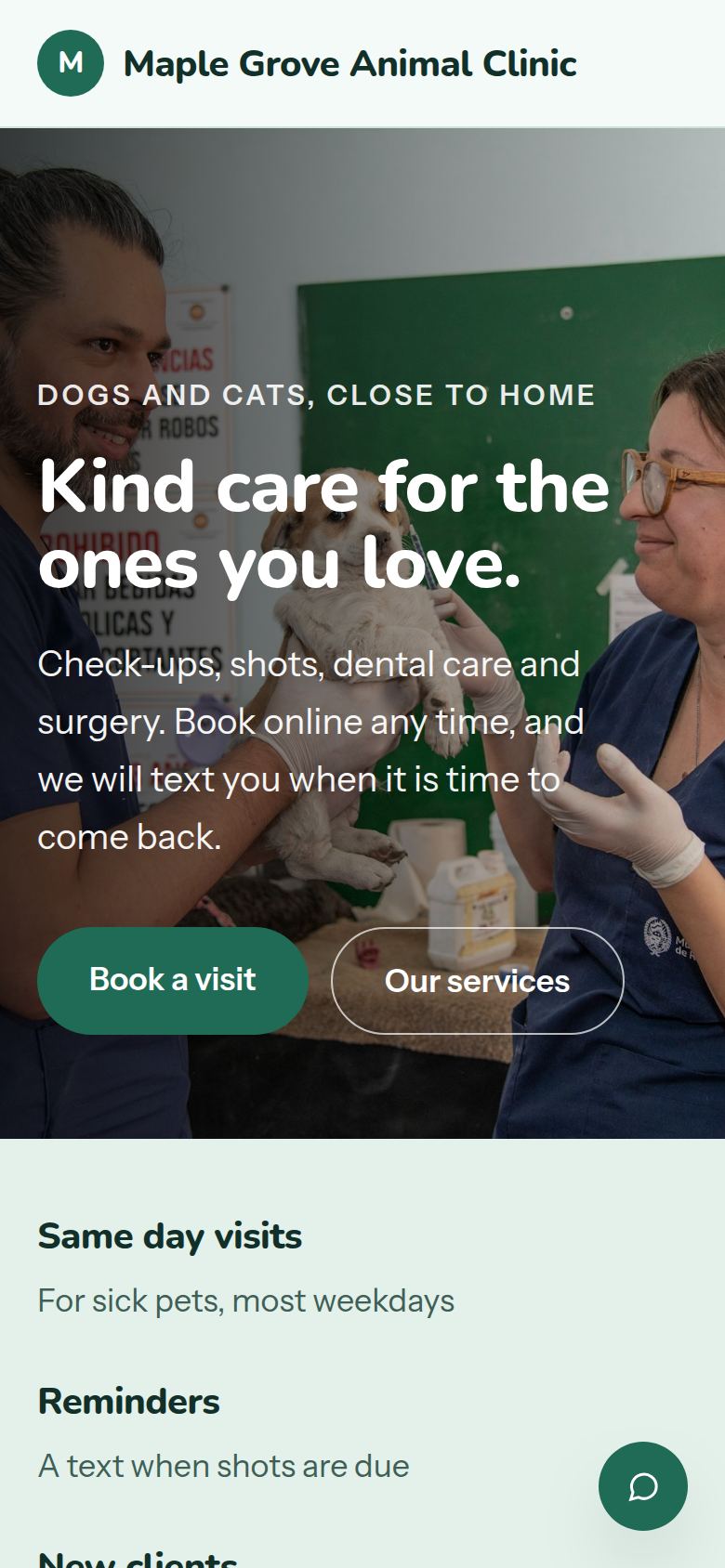
The same sample on a phone.
How we would build it
This is a sample for a made-up business. There is no client and no result to report: this is how we would plan and build it for a real one.
The problem
A busy animal clinic spends its mornings on the phone. Owners ring to book a shot, to ask if a sick dog can be seen today, and to find out if their cat is due for a check-up. Staff cannot look after the pets in the room and answer the phone at the same time.
What we built
For our sample vet clinic, Maple Grove Animal Clinic, we would build a website that books visits by type of pet and type of visit, sends a reminder the day before, and puts the new client forms online. A message button handles the quick questions.
Problem and answer
Owners ring at 8:00 to ask if a sick pet can be seen today.
The booking box has a choice called Not feeling well. It shows today's open times, so the owner can see the answer without waiting on hold.
Owners forget when shots are due.
The clinic's records list when the next shots are due. A text goes out in time, with a link to pick a visit.
A cat that waits next to a dog is stressed before the exam starts.
The site explains the cat friendly visits, with quiet rooms and no waiting next to dogs, so owners know to choose them.
New clients arrive and fill in a clipboard of forms at the desk.
A New clients page holds the forms. Owners fill them in at home, and the front desk has them before the visit.
Owners have a quick question and do not want to ring.
The message button on the site goes to a short list the nurses can read. A reply to Is Bella due for her shots can offer a time to book her in.
How it works
- 01The owner picks their pet, the kind of visit and a time.
- 02The visit appears in the clinic's calendar with the pet's name and the reason.
- 03A reminder goes out the day before, with a link to move the visit.
- 04After the visit, the owner can pay by card at the desk or online.
- 05When the next shots are due, the clinic sends a text, and the cycle starts again.
Works with
- Google Calendar, for the appointment book the nurses already read
- Google Business Profile, so the opening hours match everywhere
- Stripe or Square, for paying online after a visit
- A text message service, for reminders and shot due messages
- QuickBooks, so card payments reach the clinic's accounts without retyping
The plan we would follow
- Week 1We spend a morning at the front desk with the nurses and learn how a normal day runs.
- Weeks 2 and 3We write the services and the new client page, and build the booking box around the clinic's real visit types.
- Week 4The nurses test it, and we change anything that slows them down.
- Week 5We connect the calendar, payments and reminder texts, and check everything on a phone.
- Week 6Launch, then a short session to show the team how to change hours and services.
What the owner keeps
- The domain name and the website files
- The calendar and the payment account, both in the clinic's name
- The new client forms, in a format the clinic can edit
- Every photo and every word on the site