Sample website: Physiotherapy clinic: Lakeside Physiotherapy
Back pain, sore knees, sports injuries and slow recoveries. One hour with a physiotherapist who listens, a plan you can follow at home, and online booking at any time.
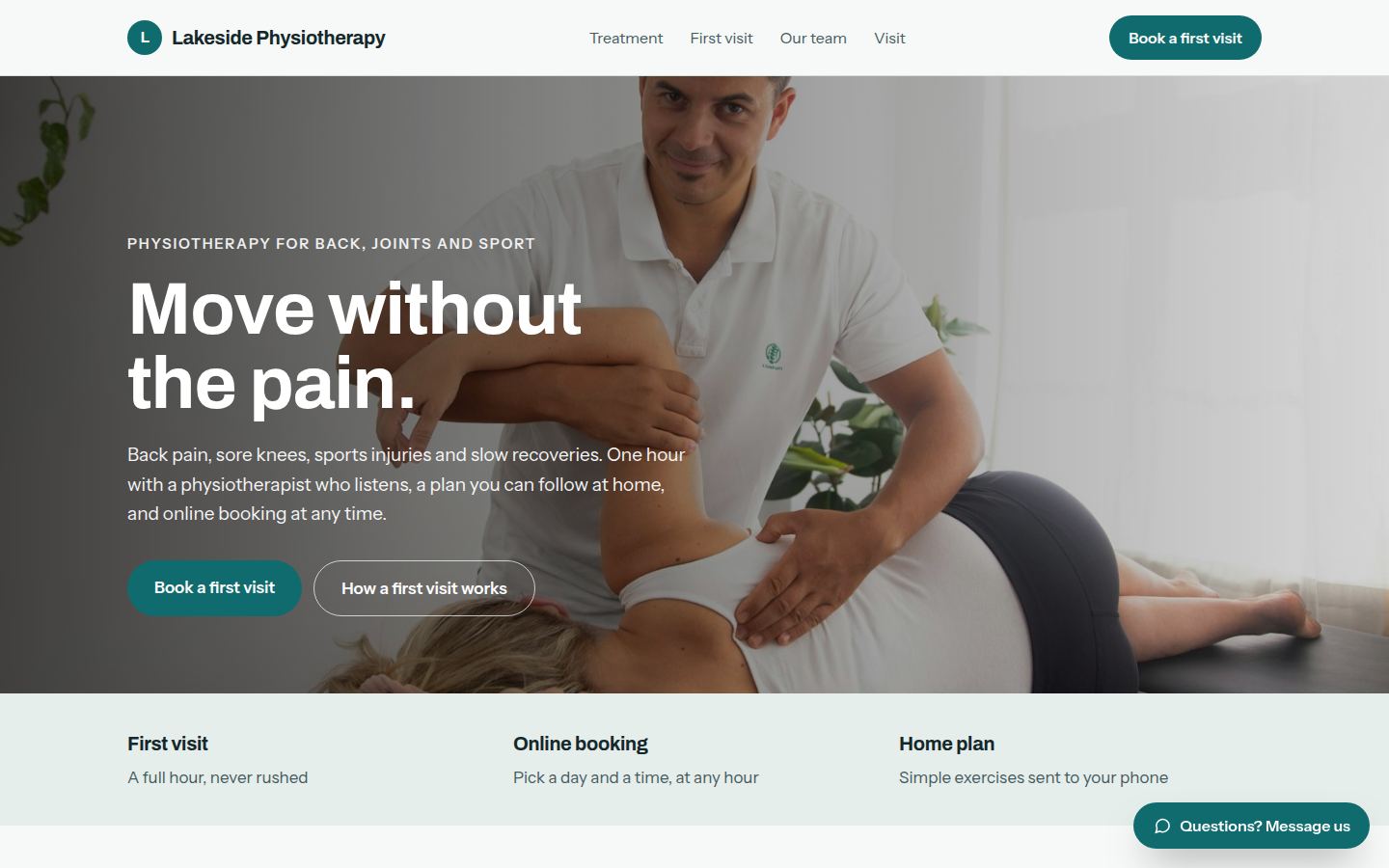
Sample work by Oiko. Every business shown is made up.
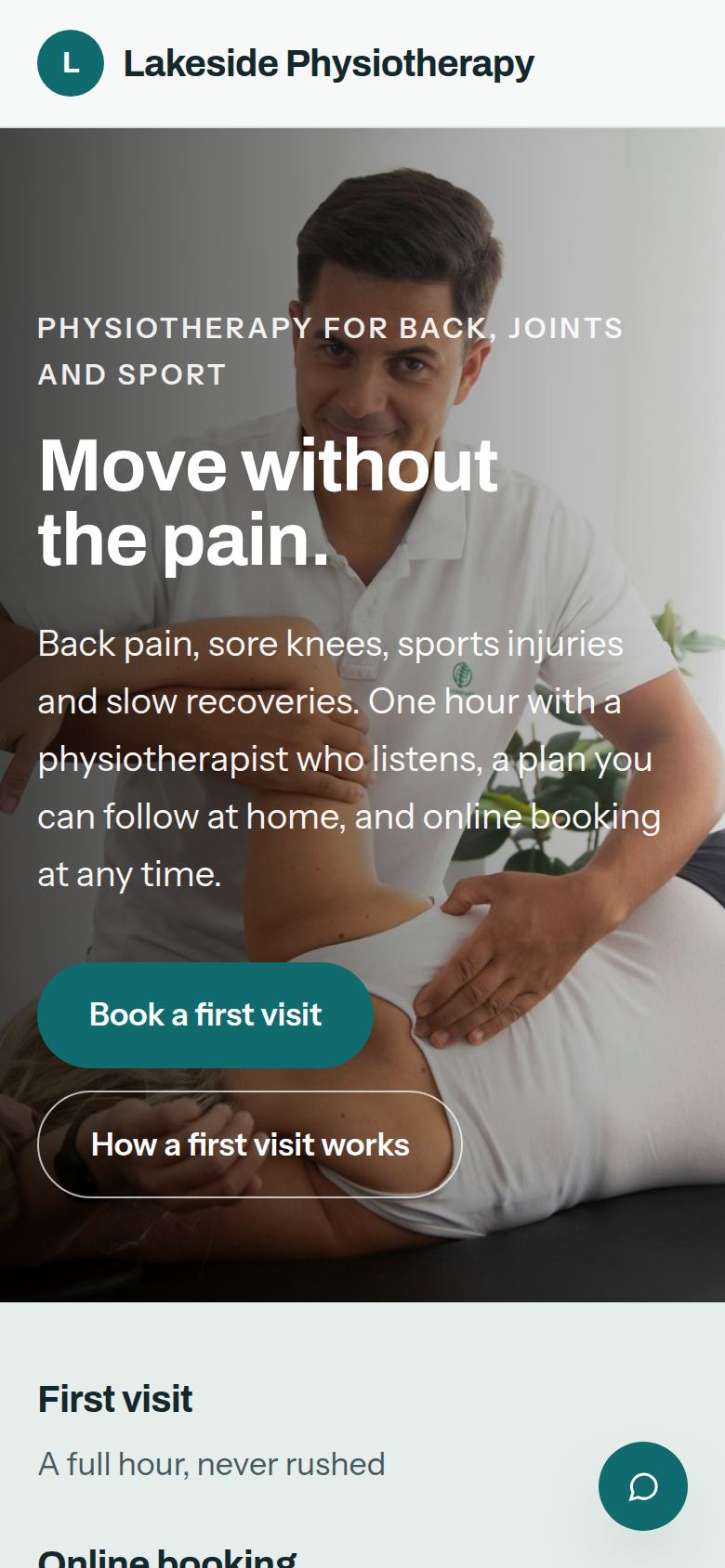
The same sample on a phone.
How we would build it
This is a sample for a made-up business. There is no client and no result to report: this is how we would plan and build it for a real one.
The problem
A physiotherapy clinic does its best work in the treatment room, but the phone rings through every session. People in pain look for a clinic in the evening, find a page with no times on it, and book with whoever shows them a time first. The front desk spends the morning on calls that a page could answer.
What we built
For our sample clinic, Lakeside Physiotherapy, we would build a one page website that explains a first visit in plain words, lets a patient pick what hurts and book a time, and sends a short form to their phone before they arrive.
Problem and answer
Patients ring to ask what a first visit involves, and the answer takes five minutes each time.
The page says what happens in the hour, what to wear and what to bring. The calls that remain are the ones that need a person.
Evening searchers cannot book, so they ring somewhere that shows a time.
The booking box lists open times at any hour. A patient picks what is bothering them, a visit type and a time, and gets a text to confirm.
Forms are filled in on a clipboard in the waiting room, and the first ten minutes go on paperwork.
A short form arrives on the patient's phone after they book. The answers are waiting in their file when they walk in.
People miss visits, and an empty hour is hard to sell again.
A reminder goes out the day before. Someone who cannot come can say so with one tap, and the time opens up for the next person.
Patients stop doing their exercises once they leave.
The exercises go to the patient's phone as a short list with pictures, so they can follow them at home.
How it works
- 01A patient picks what is bothering them, the kind of visit and a time, on their phone or computer.
- 02The visit appears in the clinic's calendar, and the patient gets a text to confirm.
- 03A short form arrives on their phone, and the day before they get a reminder.
- 04After the visit, the physiotherapist sends the home exercises, and a follow up time if one is needed.
- 05The owner changes the hours, the team and the visit types by sending us a message.
Works with
- Google Calendar, so the bookings sit next to the rest of the clinic's week
- Google Business Profile, so the hours on Google match the page
- Stripe or Square, so card payments go to the clinic's own account
- A text message service, for the confirm and reminder texts
- The clinic's existing patient records program, if it has one, by sending it a plain list of bookings
The plan we would follow
- Week 1We spend time with the physiotherapists, learn how a first visit really runs, and agree what the page has to do.
- Weeks 2 and 3We write the words in plain language, choose the photos, and build the page and the booking box.
- Week 4The front desk tries it with test bookings, and we fix what gets in their way.
- Week 5We connect the calendar, payments, texts and form, and check it all on an older phone.
- Week 6Launch, with a short walk through for the people who answer the front desk.
What the owner keeps
- The website and everything on it
- The domain name, in the clinic's own account
- The calendar, payment and text accounts, all in the clinic's name
- Every patient booking and form answer, in the clinic's hands, never ours