Sample website: Electrician: Hartwell Electric
Repairs, new outlets, panel upgrades and car chargers for homes in Pine Ridge. Send us a few photos and we will quote the job before we come.
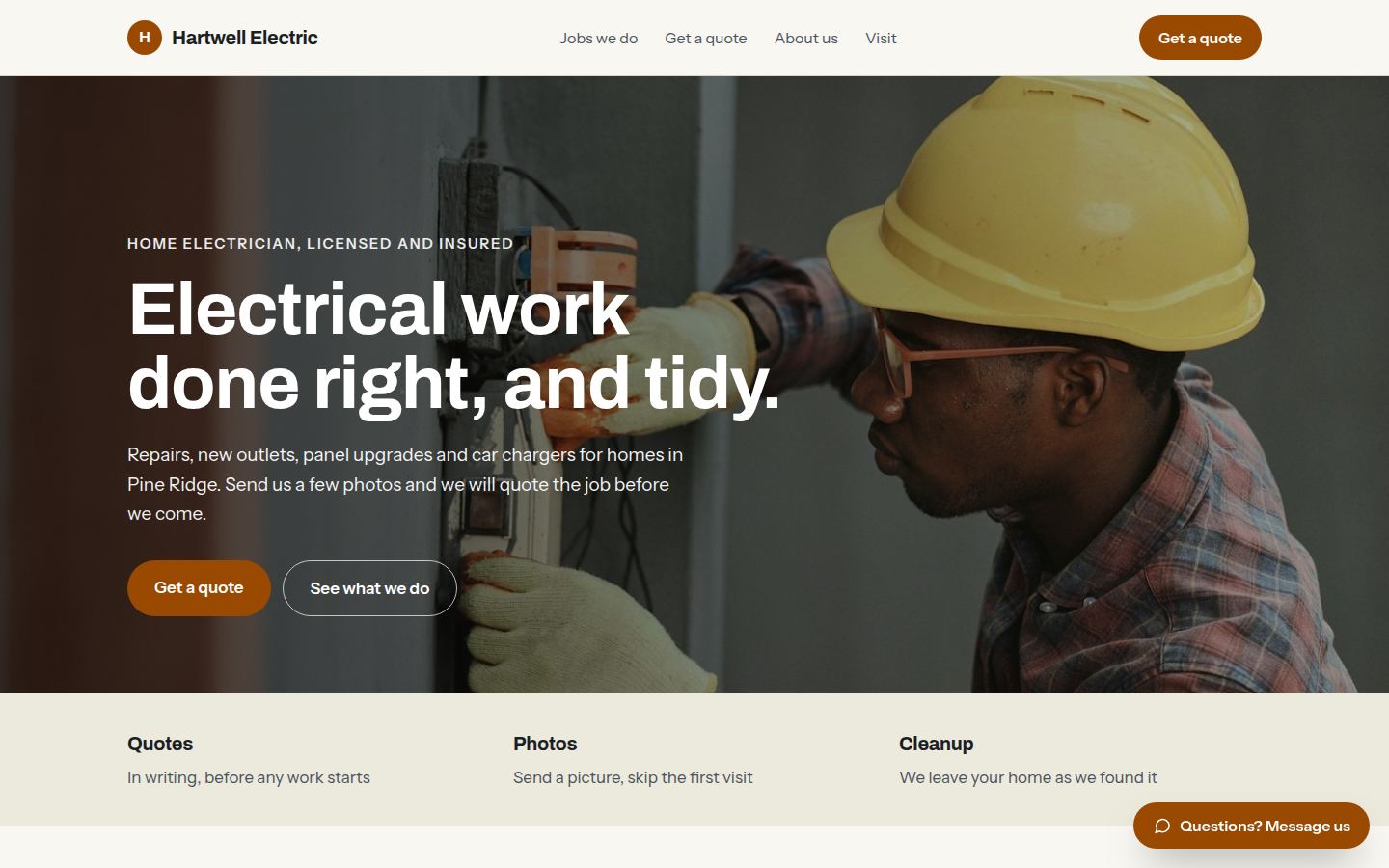
Sample work by Oiko. Every business shown is made up.
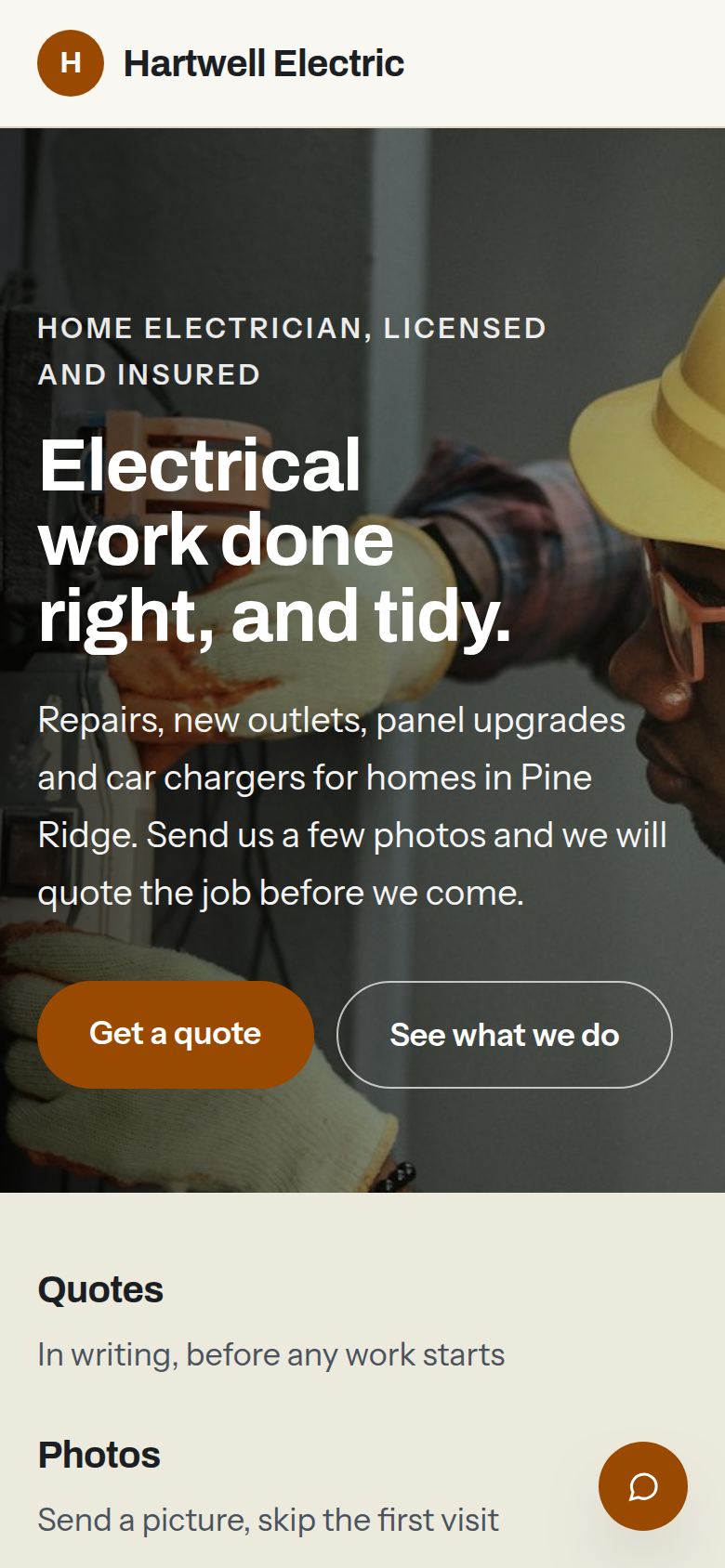
The same sample on a phone.
How we would build it
This is a sample for a made-up business. There is no client and no result to report: this is how we would plan and build it for a real one.
The problem
A home electrician is up a ladder or in a crawl space all day. Calls come in while both hands are busy, and a homeowner who gets voicemail rings the next name on the list. Quotes are worked out from a description over the phone, which means a trip just to look.
What we built
For our sample electrician, Hartwell Electric, we would build a website that lists the jobs in plain words and takes a quote request with photos. The homeowner picks the kind of job, sends a picture of the panel or the dead outlet, and chooses a time. The owner reads it all in one place.
Problem and answer
Calls go to voicemail while the owner is on a job.
The quote request takes the same details a call would: the job, the address area, a time and photos. The owner reads them at lunch, with the picture in front of them.
A quote needs a visit just to see the old panel.
The form asks for photos of the panel, the outlet or the garage wall. Many jobs can be priced from the pictures, and the visit is saved for jobs that need one.
Homeowners do not know what a panel upgrade or a car charger involves.
Each job has a short page in plain words: what we do, how long it takes and what the homeowner needs to get ready.
Homeowners worry about who is coming into the house.
The about page shows the owner and the crew by name, with the promise to put down floor covers and clean up. Visitors see who will come before they book.
Quotes are given by phone and forgotten.
Every request gets a written reply with the work and the price in it. The owner can copy it from a saved template and change the numbers.
How it works
- 01A homeowner picks the kind of job and whether they want a visit or a quote from photos.
- 02They add photos from their phone and choose a time that suits them.
- 03The request arrives in the owner's email and calendar, with the pictures attached.
- 04The owner replies with a written quote. If the homeowner says yes, the day is already in the calendar.
- 05After the job, a short message asks the homeowner to leave a review on Google.
Works with
- Google Calendar, so visits sit next to the rest of the crew's week
- Google Business Profile, so the hours and the service area match what shows on Google
- QuickBooks, so a finished job turns into an invoice without retyping
- Stripe or Square, if the owner wants customers to pay by card online
- A text message service, to confirm each visit the day before
The plan we would follow
- Week 1We ride along for a morning and learn which jobs come in most, what photos help and what the owner wishes customers would say up front.
- Weeks 2 and 3We write each job page in plain words, choose the photos and build the quote request around the owner's real job types.
- Week 4The owner and crew send test requests, and we change anything that is awkward on a phone.
- Week 5We connect the calendar, invoices and texts, and check every page on an older phone.
- Week 6Launch, then a short walk through so the owner can change hours and job pages alone.
What the owner keeps
- The domain name, in the owner's name
- The website files and every photo
- The calendar, the accounting and the text message accounts
- Every quote request and photo that comes in