Sample website: Dental practice: Bright Oak Dental
Cleanings, fillings and whitening, with early morning and Saturday times. New patients welcome.
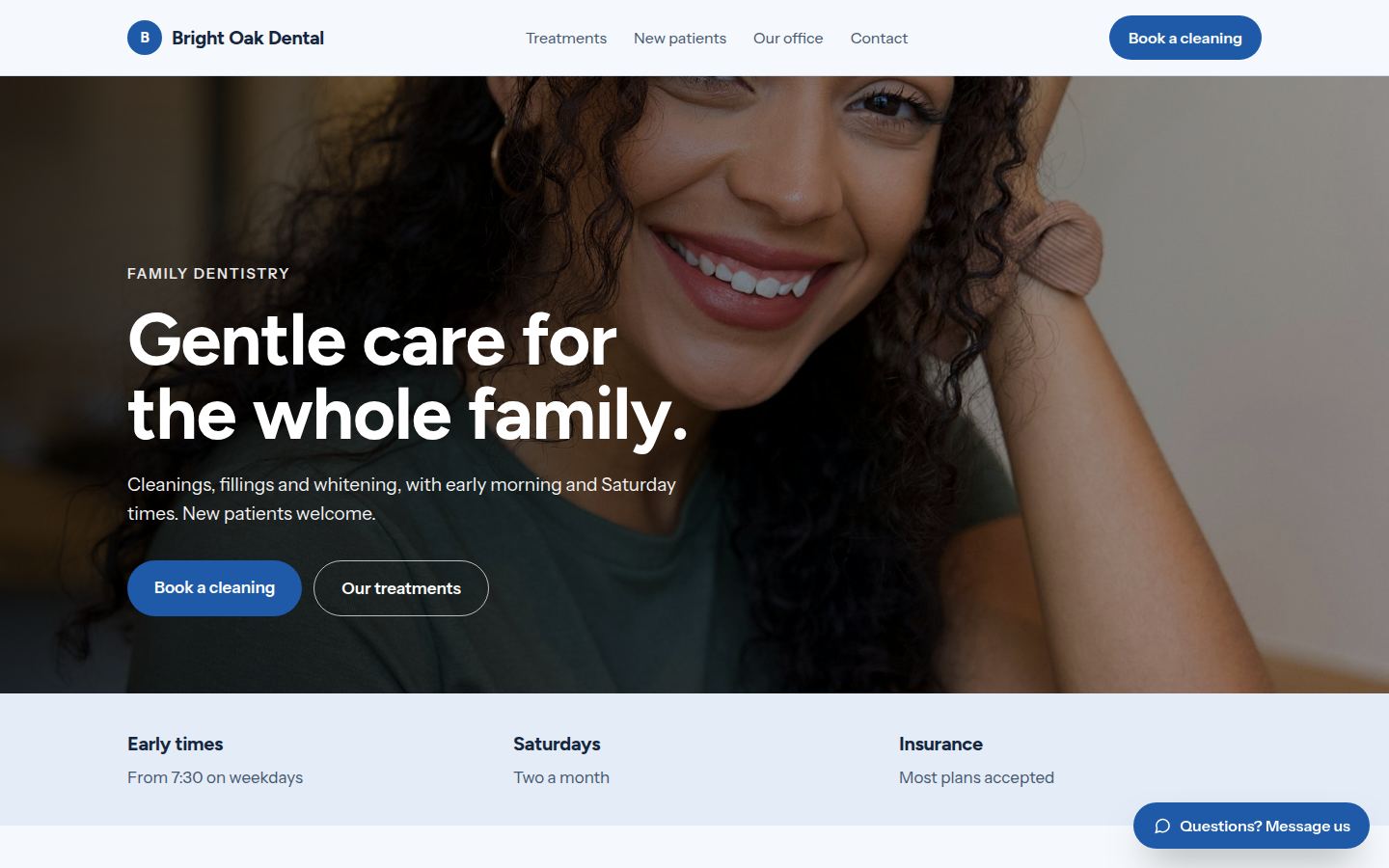
Sample work by Oiko. Every business shown is made up.
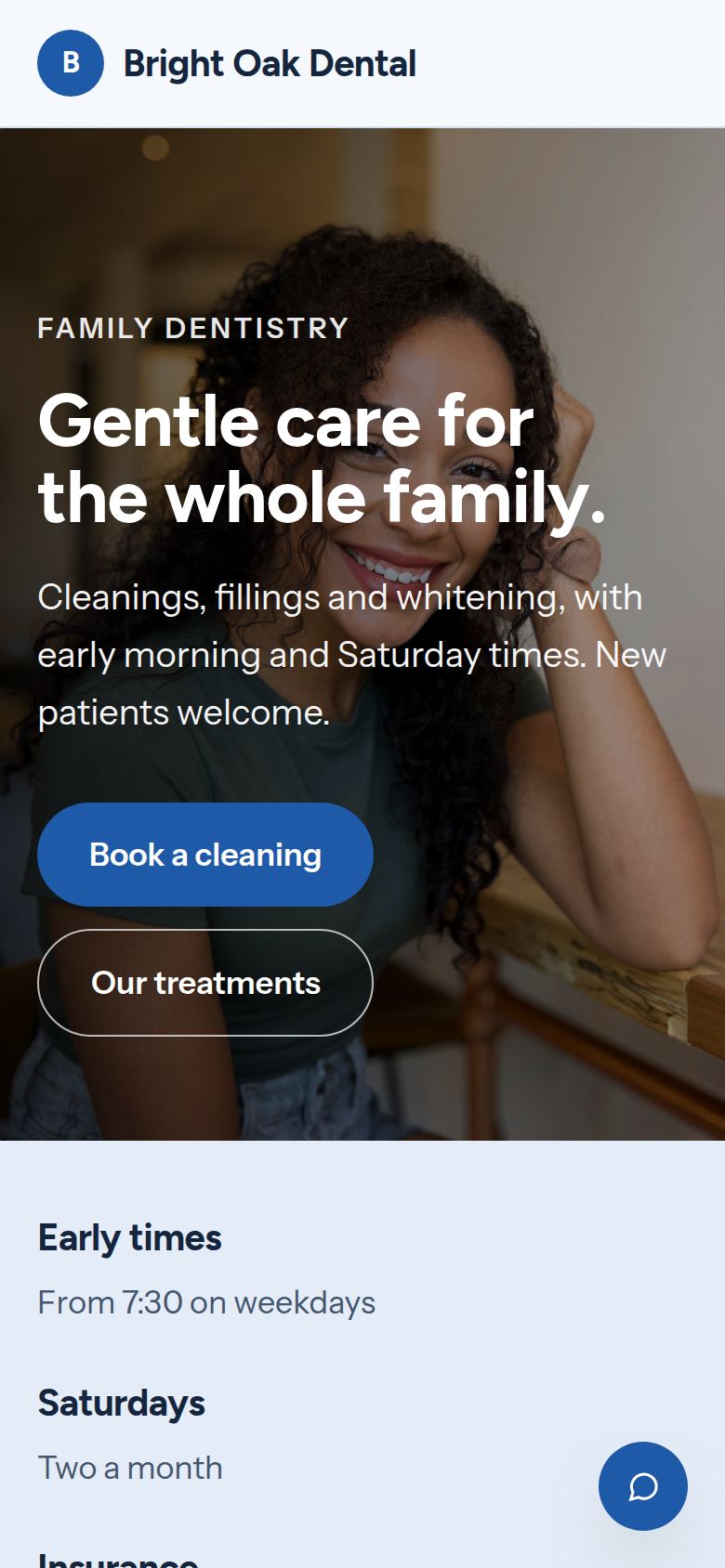
The same sample on a phone.
How we would build it
This is a sample for a made-up business. There is no client and no result to report: this is how we would plan and build it for a real one.
The problem
A dental practice loses time to gaps it cannot fill. A patient forgets a 7:30 cleaning, the chair sits empty, and nobody can rebook that hour on short notice. Meanwhile new patients hunt through the old site for a phone number, and a nervous patient has no way to say so before the visit.
What we built
For our sample dental practice, Bright Oak Dental, we would build a website with online booking for new and returning patients, a confirm text patients answer with one reply, and a way to say they are nervous. Early morning and Saturday times are easy to find, and a patient can see a balance and pay online.
Problem and answer
Patients forget their appointment and the chair sits empty.
A text goes out ahead of the visit. The patient confirms with one reply, and the office sees who has not.
New patients are not sure the office takes their insurance.
The page says most plans are accepted. Patients send a photo of their card through the message button, and the office checks before the visit.
A family of 4 needs several separate bookings, on different days.
The booking box lets a parent choose several people and book them back to back, in one trip.
Working people cannot come in at 2:00 on a Tuesday.
Early times and the two Saturdays a month are listed on the page and in the booking box, so they are easy to find.
Nervous patients put off the visit for years.
The booking box lets a patient say they are nervous. The office sees it before the visit and plans extra time.
How it works
- 01A patient says whether they are new or returning, picks a visit type and a time.
- 02The appointment goes into the practice's calendar, and the patient gets a confirm text.
- 03The patient confirms with one reply. If they cannot come, they say so and the time opens up.
- 04If the practice runs more than 10 minutes late, a text goes out.
- 05After the visit, the patient sees their balance and pays by card.
Works with
- Google Calendar, or the appointment book the practice already uses, if it can be linked
- Google Business Profile, for hours and the booking link
- Stripe, for card payments from patients
- A text message service, for reminders, confirms and late notices
- QuickBooks, for the practice's own accounts
The plan we would follow
- Week 1We meet the owner and the front desk, and learn which times are hard to fill and which questions come up.
- Weeks 2 and 3We write the treatment pages in plain words, and build the booking box and the new patient page.
- Week 4The team tests with sample bookings, and we adjust the visit types.
- Week 5We connect the calendar, texts and payments, and review the page for older eyes and small screens.
- Week 6Launch, and a short session so the front desk can change hours and times themselves.
What the owner keeps
- The domain name, in the practice's name
- The website files, the photos and the words
- The payment account and the text message account
- Patient forms, as files the practice can edit