Sample website: Builder: North Fork Joinery
A family firm doing kitchens, additions and repairs. Send us a few photos and we will book a visit.
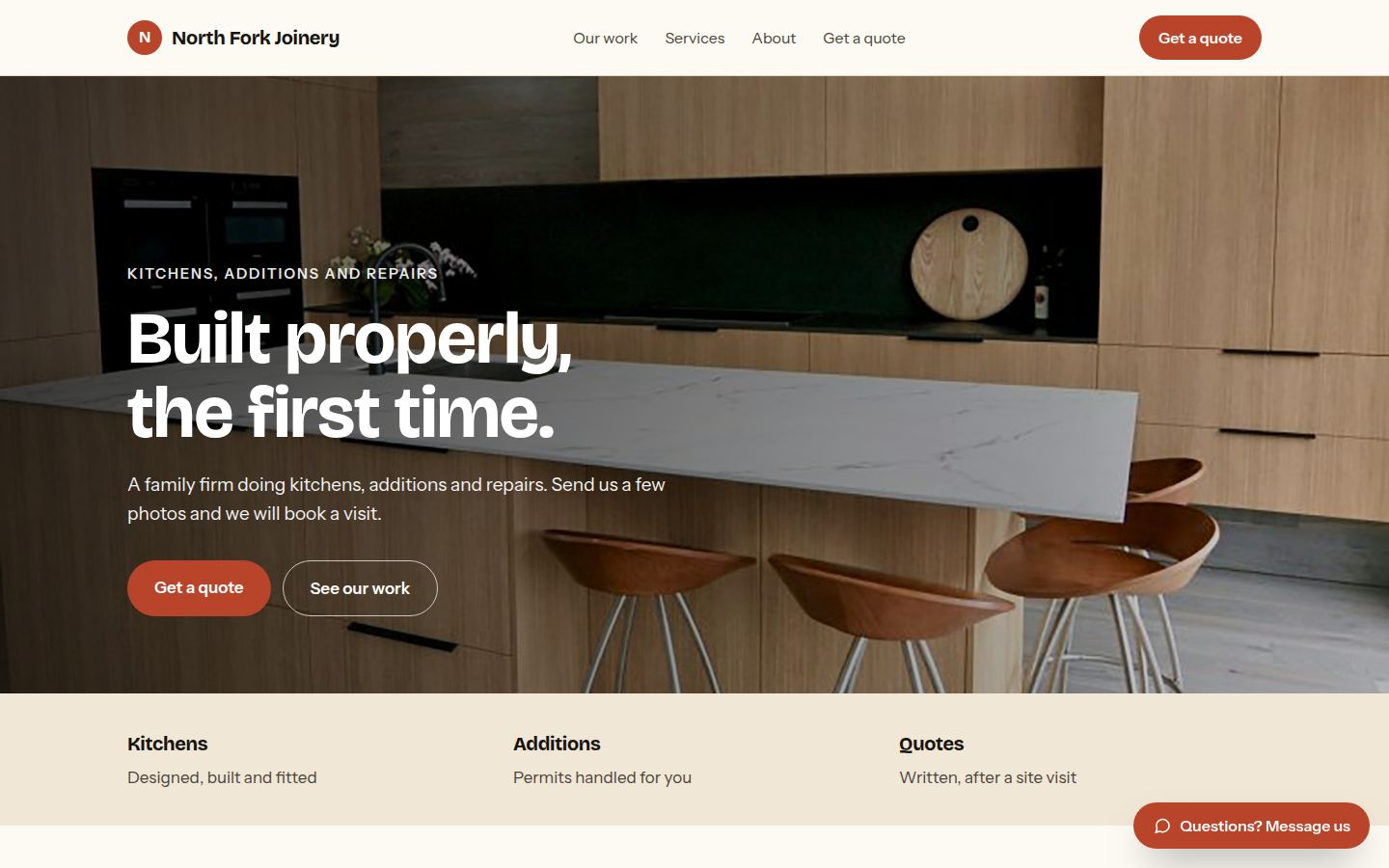
Sample work by Oiko. Every business shown is made up.
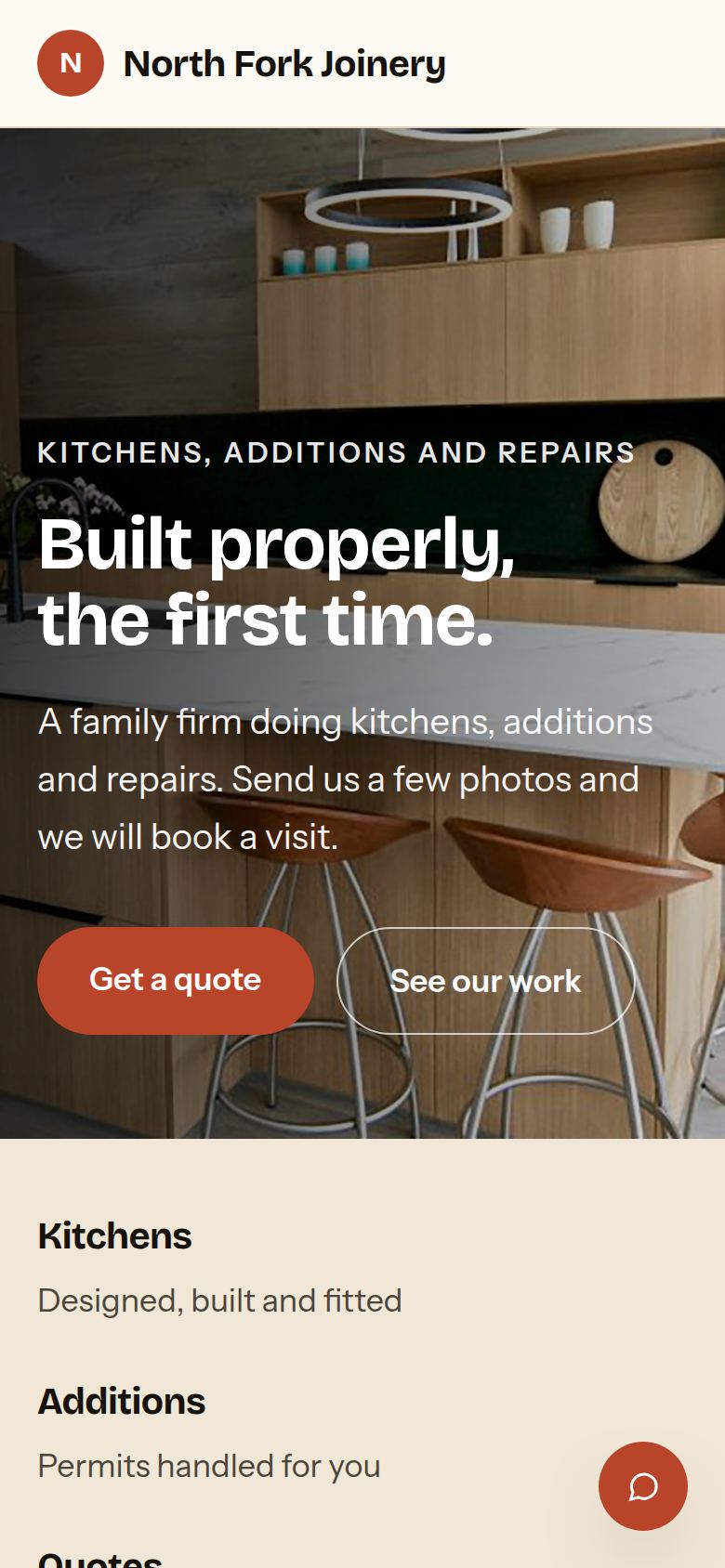
The same sample on a phone.
How we would build it
This is a sample for a made-up business. There is no client and no result to report: this is how we would plan and build it for a real one.
The problem
A joinery and building firm spends evenings on quotes. A homeowner sends a text with a blurry picture, nobody can tell what the job is, and a week passes before anyone visits. Bills go out late, and the firm chases them on top of the work.
What we built
For our sample building firm, North Fork Joinery, we would build a website where a homeowner describes the job, adds photos and picks a time for a site visit. The firm gets the photos and the details in one message, and bills go out by stage with a reminder when one is late.
Problem and answer
Photos arrive by text, in pieces, with no detail.
The quote form asks what the job is and takes the photos in one go. The firm sees all of it in one message.
Visits take a week of back and forth to arrange.
The homeowner picks from the firm's own open times for a site visit. It goes into the calendar at once.
Homeowners cannot tell if the firm does the work itself.
The page says the cabinets are made in the firm's own workshop, and that the same team starts and finishes the job.
Small repair jobs get lost between the big ones.
Repair is a choice on the form, so small jobs arrive in their own list and do not hide in the inbox.
Late bills mean awkward phone calls.
Bills go out by stage, paid by card or bank. If one is late, a polite reminder goes out, and the firm does not have to ring.
How it works
- 01A homeowner picks the kind of job, adds photos and chooses a time for a site visit.
- 02The firm gets the details and the photos, and the visit is added to the calendar.
- 03After the visit, the firm sends a written quote.
- 04When a stage of the job is finished, that stage's bill goes out.
- 05If a bill is not paid on time, a reminder goes out on its own.
Works with
- Google Calendar, for site visits and workshop time
- QuickBooks, for quotes, bills and what is owed
- Stripe or Square, for paying by card
- Gmail, so quote requests land in the inbox the firm already uses
- Google Business Profile, for the address, hours and the quote link
The plan we would follow
- Week 1We visit the workshop, see how a quote is made today, and learn which jobs the firm wants more of.
- Weeks 2 and 3We choose the photos of finished work, write the page in plain words, and build the quote form.
- Week 4The firm sends in a few pretend jobs, and we change the form until it asks only what they need.
- Week 5We connect the calendar, the accounts and the payment reminders.
- Week 6Launch, and a walk through of how to read a new request and send a bill.
What the owner keeps
- The domain name and the website files
- The accounts for QuickBooks, payments and the calendar, in the firm's name
- Every photo of finished work
- The quote form and its questions, which the firm can change