Sample website: Accountant: Larkspur Tax and Books
We prepare tax returns for families and small businesses, and keep the books for owners who would rather run the business. Book a first meeting and bring what you have.
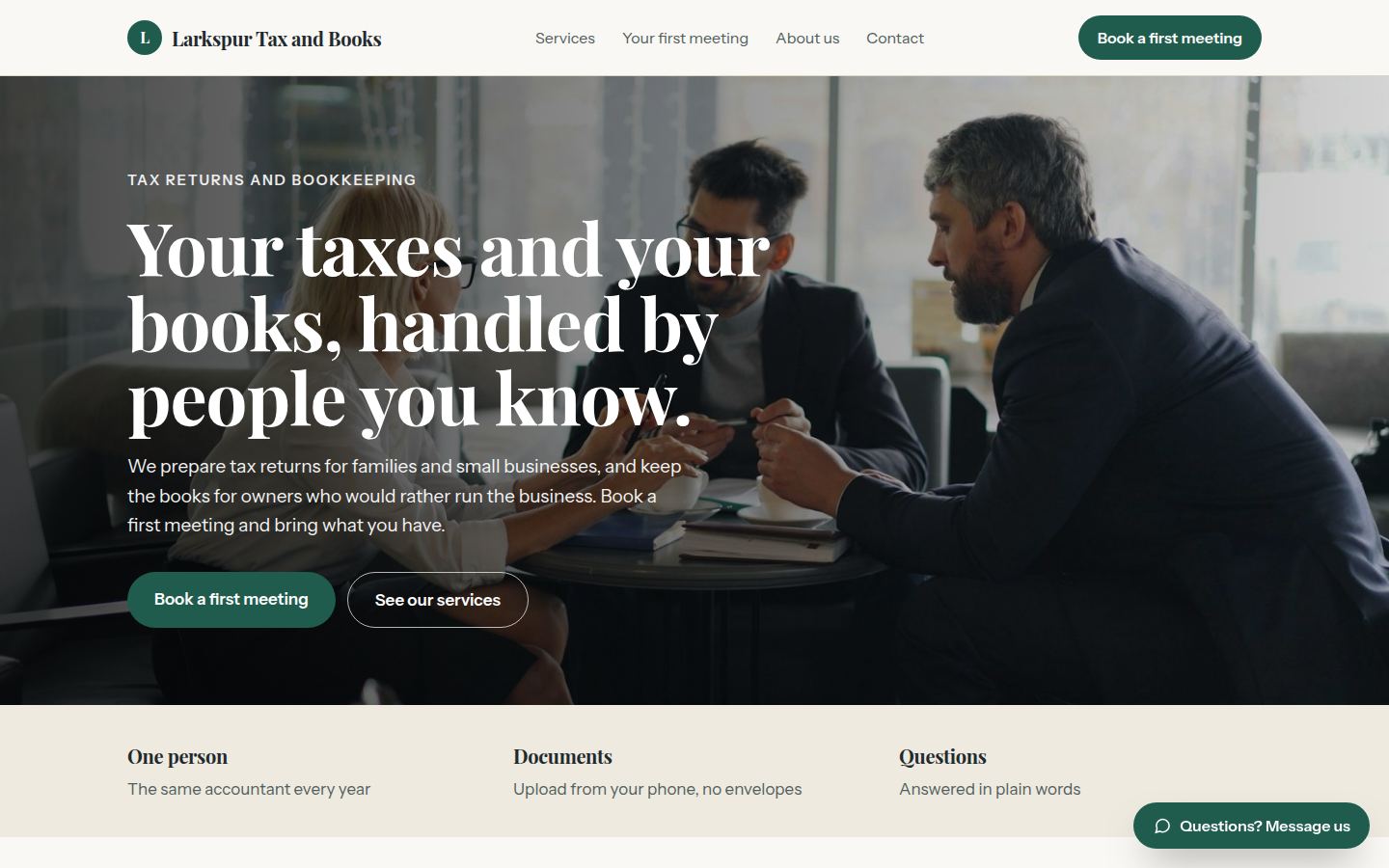
Sample work by Oiko. Every business shown is made up.
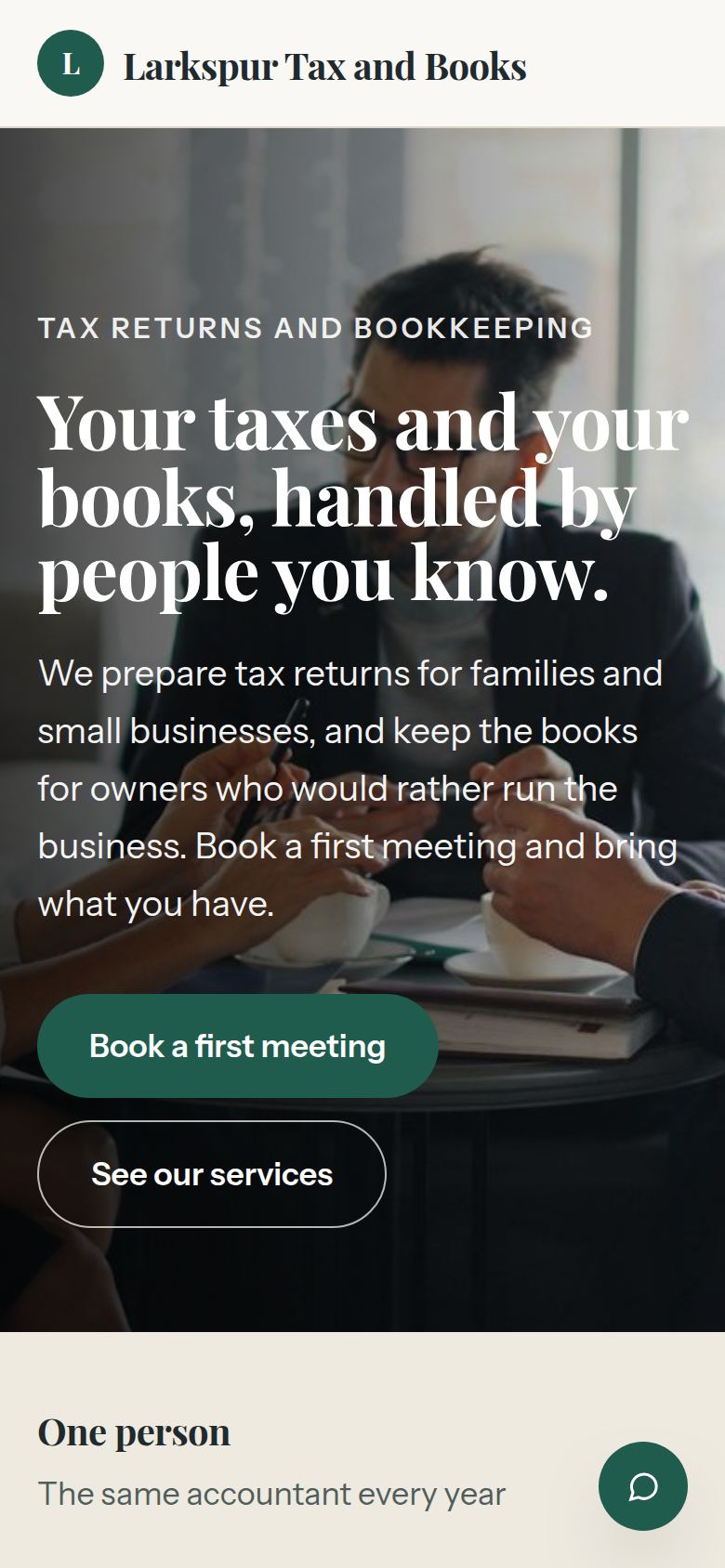
The same sample on a phone.
How we would build it
This is a sample for a made-up business. There is no client and no result to report: this is how we would plan and build it for a real one.
The problem
A small accounting practice spends its busiest weeks chasing paper. Clients mail envelopes, email photos of receipts, and ring to ask what to bring. Every question about a first meeting takes a call, and documents arrive in six different ways.
What we built
For our sample accountant, Larkspur Tax and Books, we would build a website that explains each service in plain words, books a first meeting, and gives each client one safe place to upload their documents. It also tells a new client what to bring before they come.
Problem and answer
New clients ring just to ask what to bring.
The booking box ends with a short list for the kind of help chosen, such as last year's return and income papers. The same list is sent again in the confirmation.
Documents arrive by mail, email, text and in a shoebox.
Each client gets one upload page that works from a phone. They take a picture, pick the type of paper, and it lands in the right client folder.
Scheduling a first meeting takes a round of phone calls.
Clients pick from times that are open, by video or at the office. The accountant's calendar is the only calendar, so nothing is booked twice.
Visitors are afraid the accountant will talk down to them.
The pages explain each service in plain words. The owner's name and face are on the about page.
Clients forget deadlines and then panic.
A reminder goes out in good time before each filing date, with a link to upload what is missing.
How it works
- 01A visitor chooses the kind of help they need, by video or in person, and a time.
- 02They get a confirmation with a short list of what to bring and a link to upload documents.
- 03Photos and files from their phone go into a private client folder the accountant can open.
- 04The accountant works from that folder and sends the return or the books for sign off.
- 05Before the next deadline, a reminder asks for anything that has changed.
Works with
- Google Calendar or Outlook, so meetings sit in the calendar the accountant already uses
- Google Drive or Dropbox, for the private client folders
- QuickBooks, for the bookkeeping side
- Stripe, if the practice wants clients to pay invoices by card
- A text message service, for meeting and deadline reminders
The plan we would follow
- Week 1We sit down with the accountant and learn how a client moves from first call to filed return, and where the paper gets stuck.
- Weeks 2 and 3We write each service page in plain words, and build the booking box and the upload page.
- Week 4The accountant and a few people they know try both from a phone, and we fix what confuses them.
- Week 5We connect the calendar, the folders and the reminders, and check that private files stay private.
- Week 6Launch, then a short session on how to add a time slot or change a service page.
What the owner keeps
- The domain name, in the owner's name
- The website files and every photo
- The calendar, the client folders and the text message accounts
- Every document a client uploads